Downloads
This kit includes marketing assets designed to promote your Giving Day across print, social, and digital platforms. Download all of the downloads by clicking here.
Logos

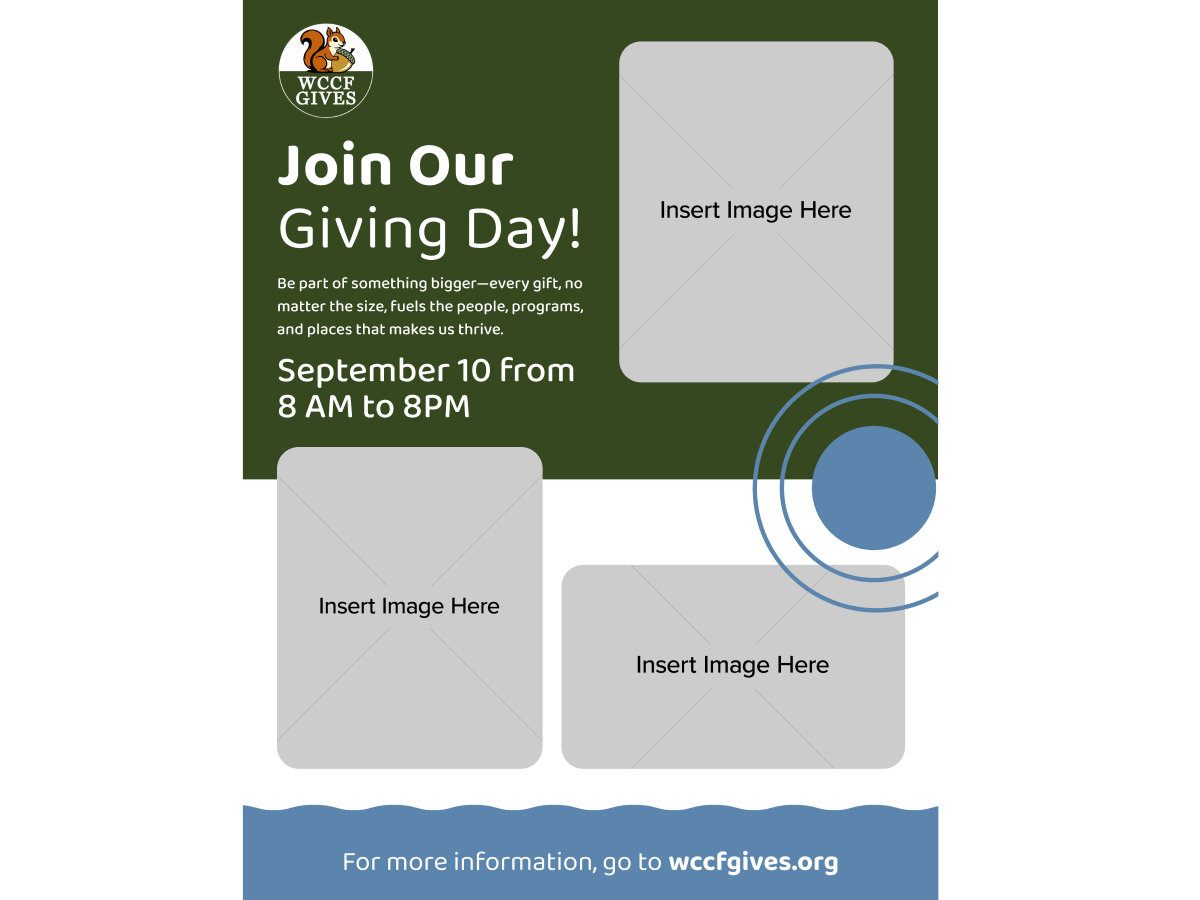
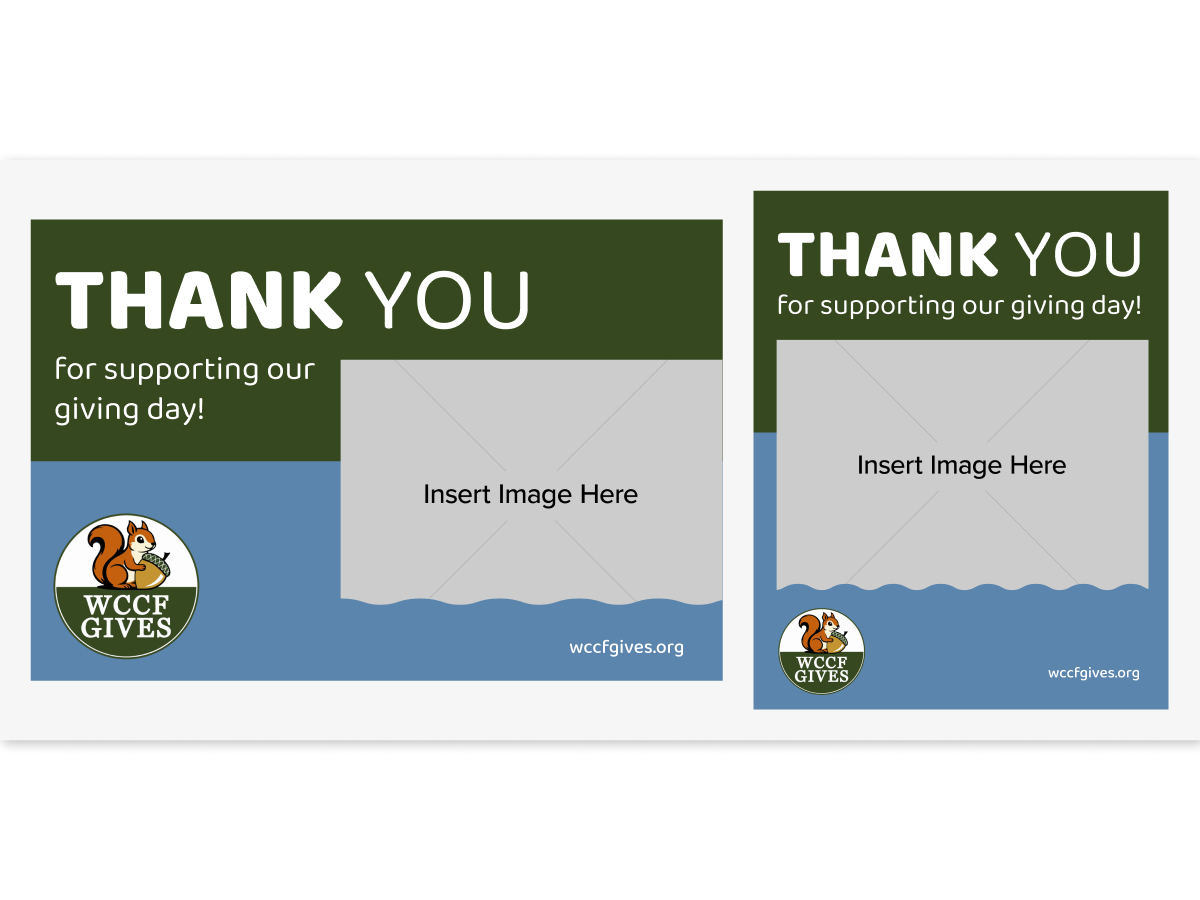
Customizable Assets
How to customize your graphics:
These templates open in Canva and no paid subscription is needed
- Click the template link. You'll see a screen saying a template was shared with you. Click the View Template button. Sign in or create a free Canva account if prompted — Canva will automatically make your own private copy.
- Add your photo. Click Uploads in the left panel, upload your photo, then drag it directly onto the placeholder area in the design until you see it highlight and snap into place.
- Send it to the back *Important*. Click your photo to select it, then click Position in the top toolbar and choose To back. This lets the text and design elements show on top of your image.
- Download. Click Share and then Download in the top right. PNG or JPG for social media; PDF for best print quality.
Need more help? Download the full step-by-step guide.
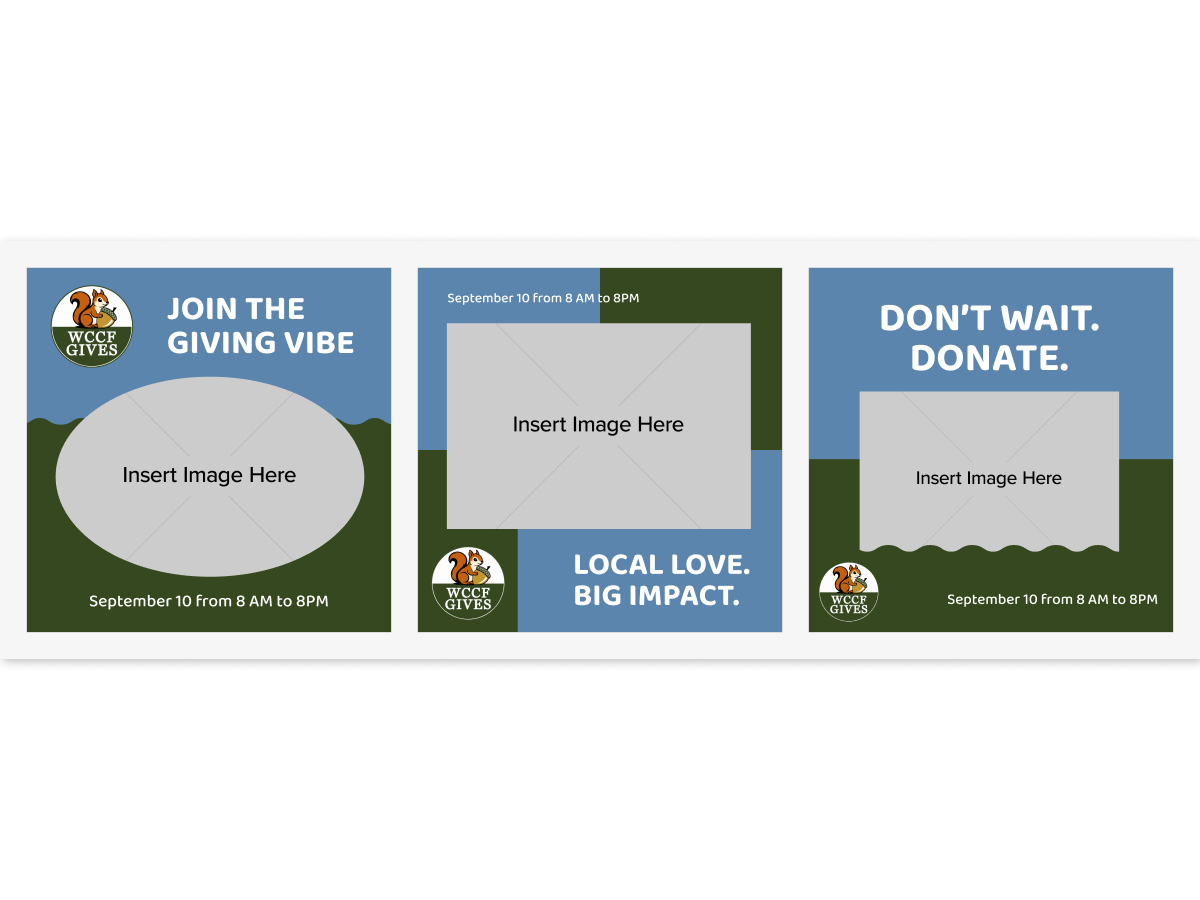
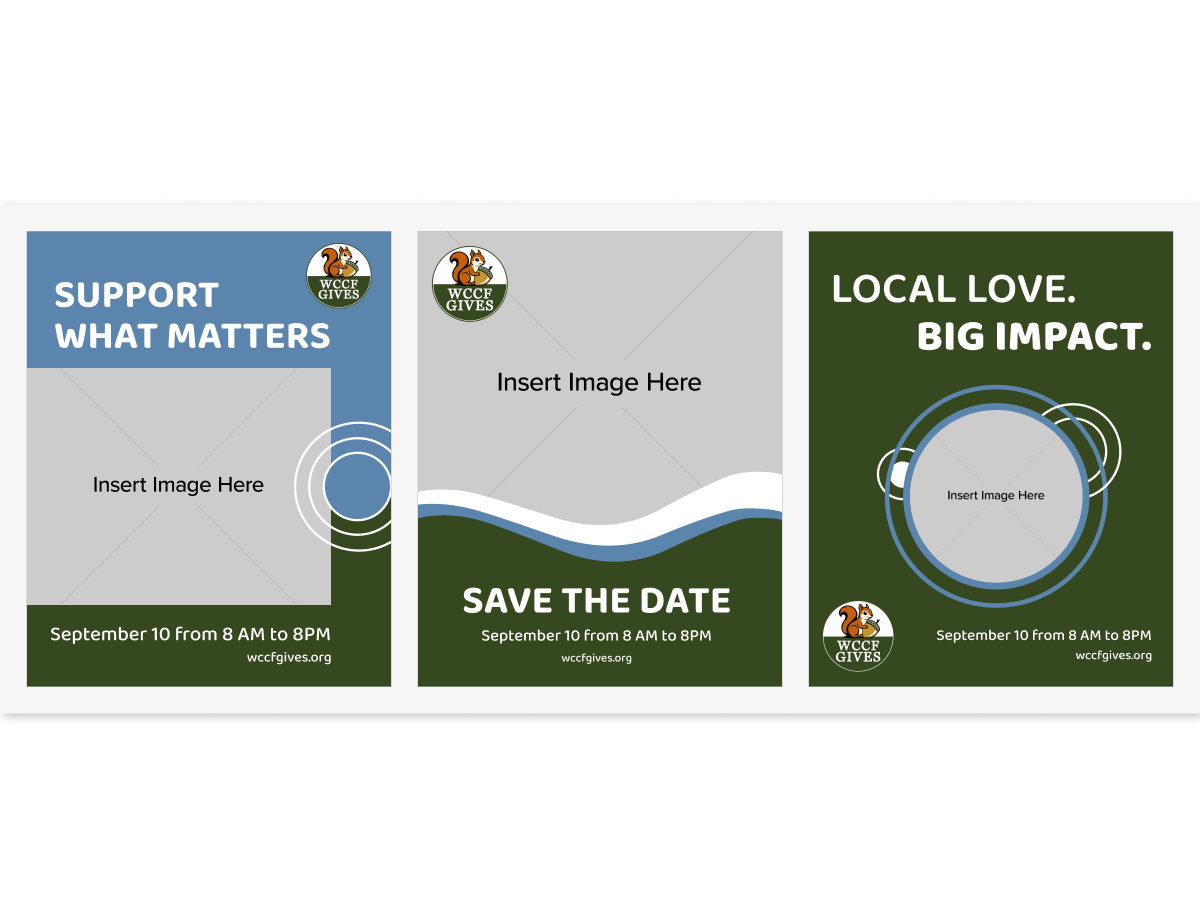
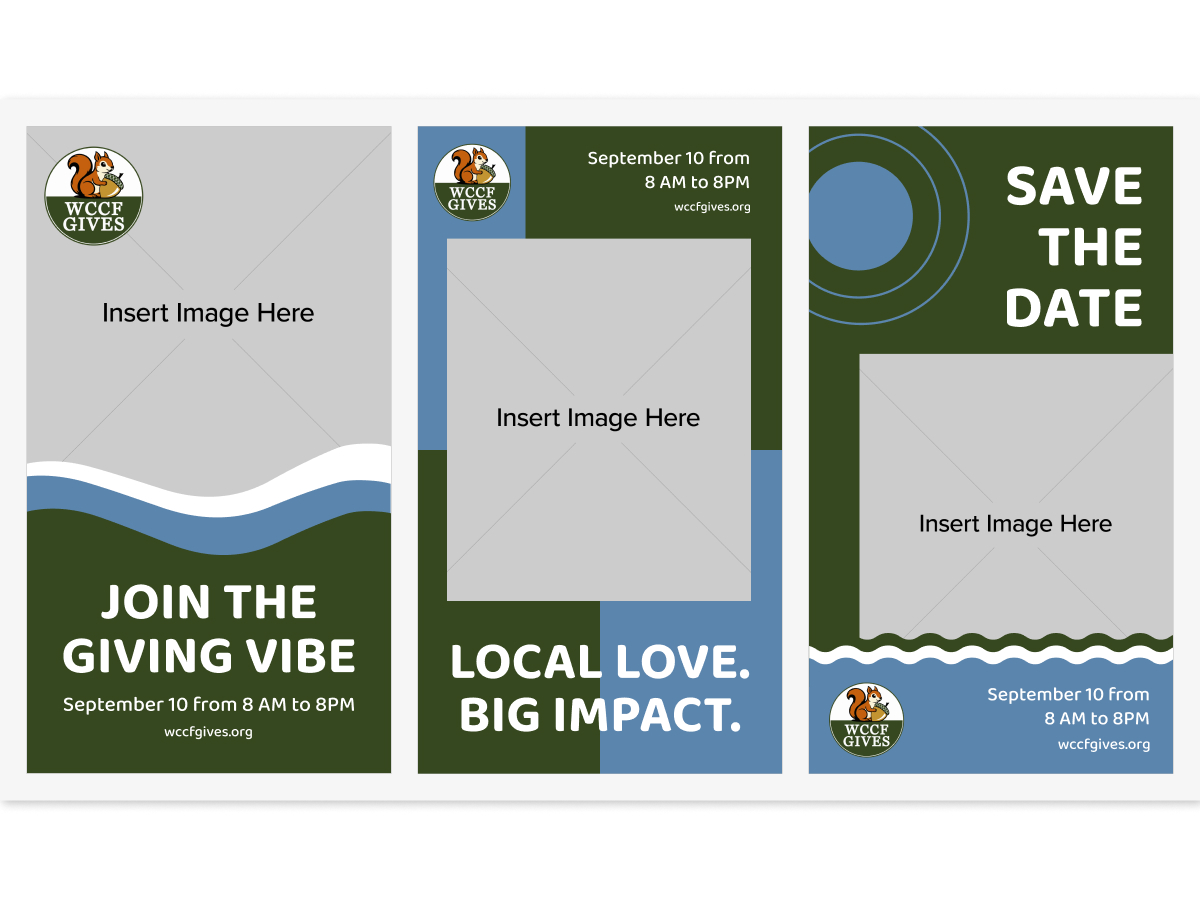
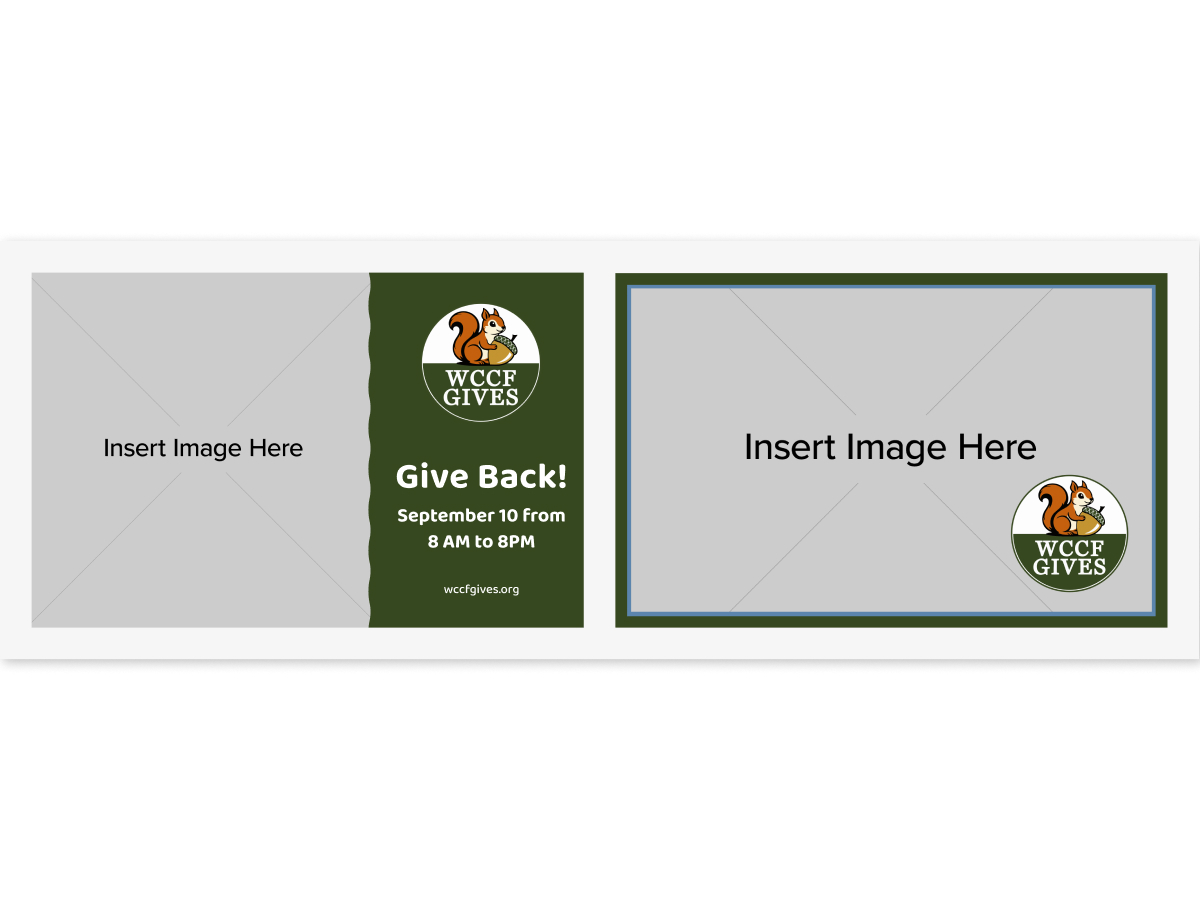
Social Media and Email Header Bundle
Social Media Headers (1640x924 / 1500x500) and Email Headers (1400x900)
Customize Email Headers
|
Customize Facebook Headers
|
Customize Twitter/X Headers